
Shopify POS
Gift card tools for Shopify POS
Check balances, top up the card a customer already has and refund returns to a gift card, from a tile inside Shopify POS. Gift Card Hero works with Shopify's own gift cards, so every card keeps working online and in store.
Install on ShopifySee the balance before the sale
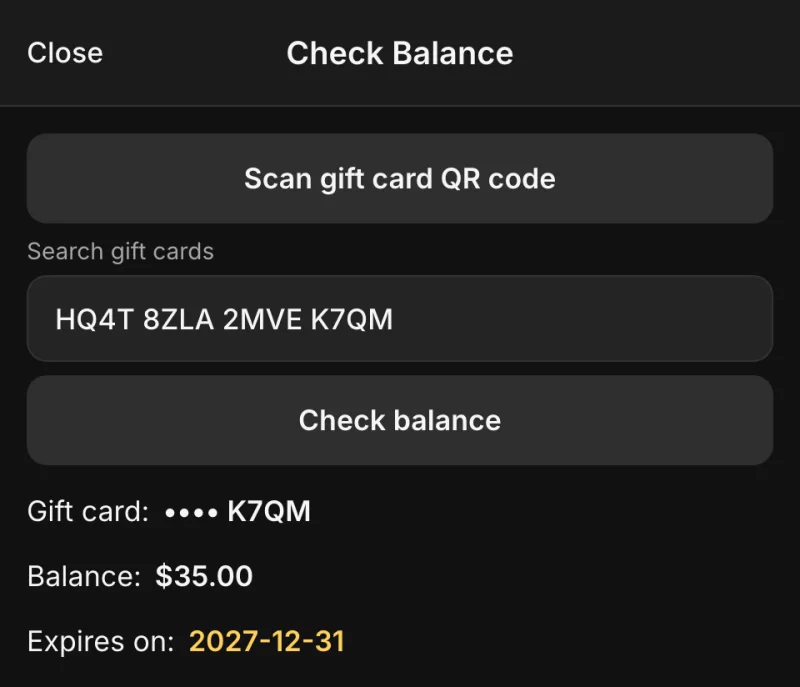
Staff scan the card's QR code or type the code and see the balance and expiry date, before the customer pays. A code that isn't a gift card yet can be registered from the same screen.
- QR scan with the device camera or a hardware scanner
- Balance, expiry date and the date a card was deactivated
- The customer's cards, balances and history on their POS profile
Top up the card the customer already has
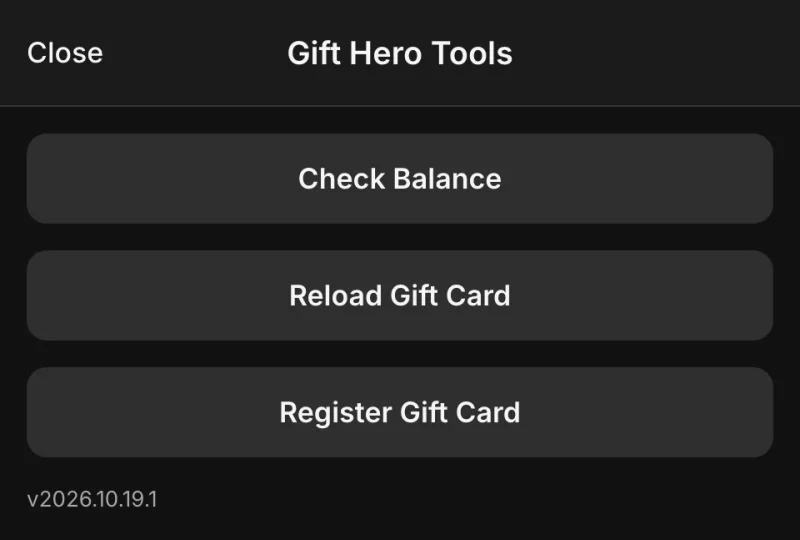
Shopify's POS help documents adding money to an existing card only as a refund. Gift Card Hero sells the top-up as a line in the POS cart, and you can have the balance go up only after that sale is paid.
- Add an amount, deduct one or set the new balance
- Add payment to cart, or no payment for corrections
- Email the customer the new balance
- Customers can also top up online, on a reload page in your store
Refund a return to a gift card
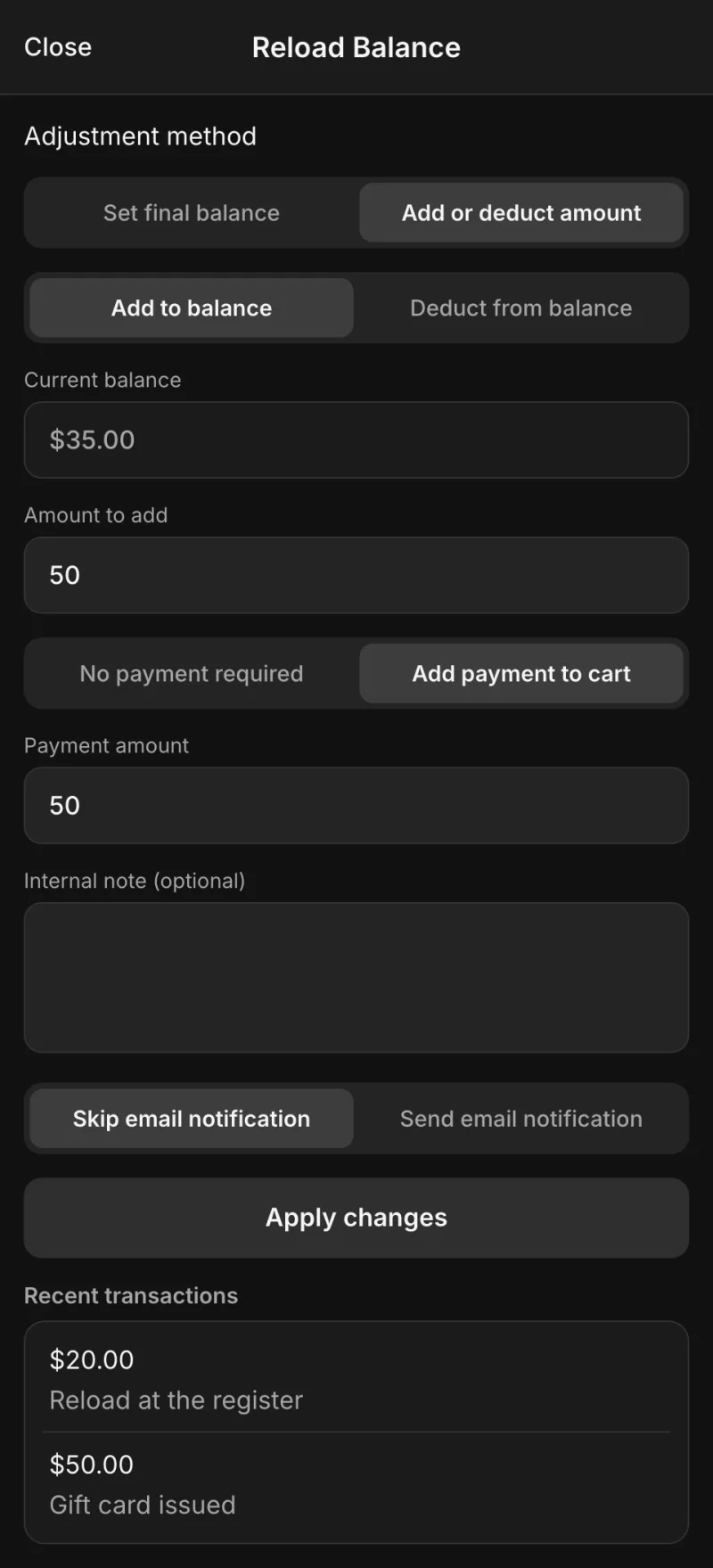
From the order screen in POS, staff pick the returned items and load the refund onto one of the customer's cards or a new one. The money stays in your store as a balance the customer comes back to spend.
- To an existing card of the customer, or a new card
- Optional expiry date and an internal note
- The card goes to the customer by email, or is printed at the register
One tile on the POS home screen
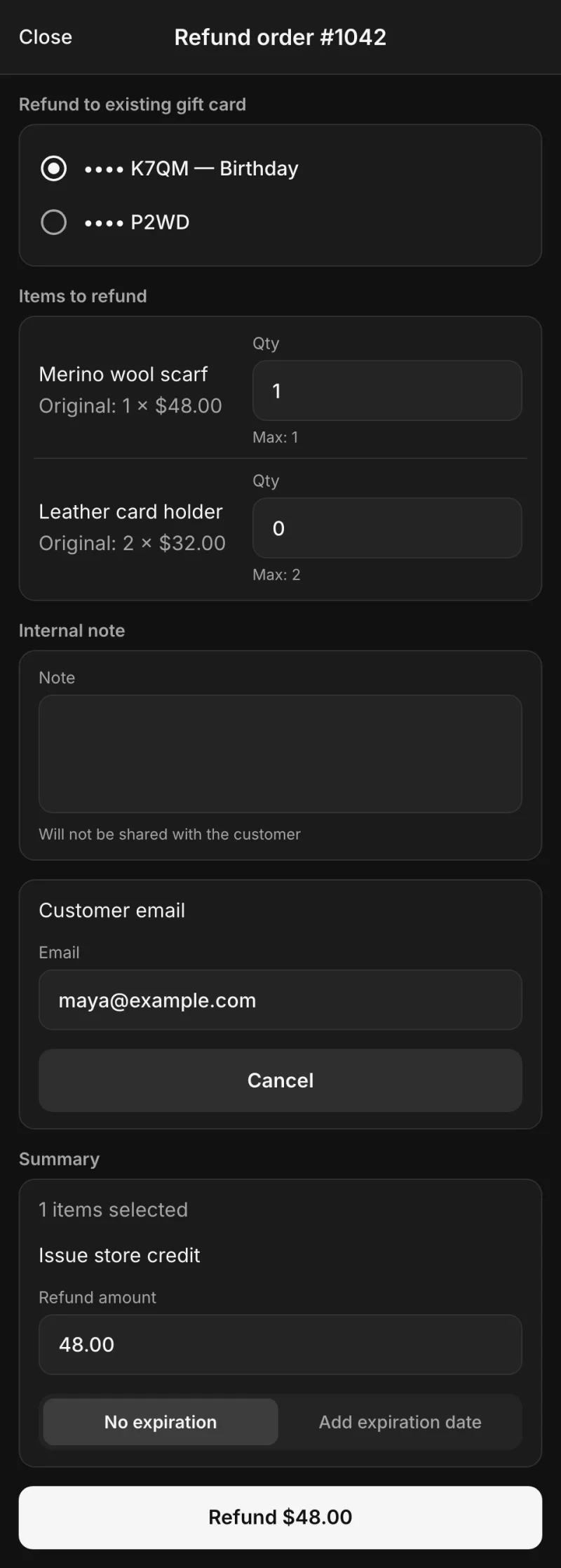
The Gift Hero tile opens Check Balance, Reload Gift Card and Register Gift Card. Refunds sit on the order screen and the customer's cards on their profile, so staff don't leave the sale.
- Register pre-printed cards: scan the code, enter the value
- Quick Mode opens straight to reloads and hides the fields staff don't use
- Turn off reloads or registration, or let staff only redeem

Shopify gift cards at a non-Shopify register
Square, Clover, Lightspeed and other registers can't read or update Shopify gift cards. Gift Card Hero's web app runs on a phone or tablet next to the register: staff check, redeem and activate cards, and it shows what is left to charge on the register.
- An account and a 4-digit PIN for each staff member
- Redeem a custom amount, a preset or the order subtotal
- Every issue and redemption in an activity log you can export to CSV
Frequently asked questions
Everything you need to know. Can't find an answer? Contact us.
No. It uses Shopify's own gift cards, so selling cards and taking them as payment work natively as before. The app adds balance checks, top-ups of existing cards, refunds to a customer's cards, registration of pre-printed cards and the customer's cards on their POS profile.
Yes, with No payment required, for example to correct a balance. You can make Add payment to cart the default, have the balance go up only after the POS sale is paid, or turn off reloads in POS altogether.
No. The tile inside Shopify POS covers balance checks, top-ups, registration and refunds. The web app is for locations that run a register other than Shopify POS.
PRO: $19.99 a month, or $39.99 for Shopify Plus stores, with no percentage or per-order fees and a 7-day free trial. Billing goes through your Shopify invoice.
Gift cards at the register, in one tile
Balance checks, top-ups and refunds to gift cards in Shopify POS with Gift Card Hero PRO.